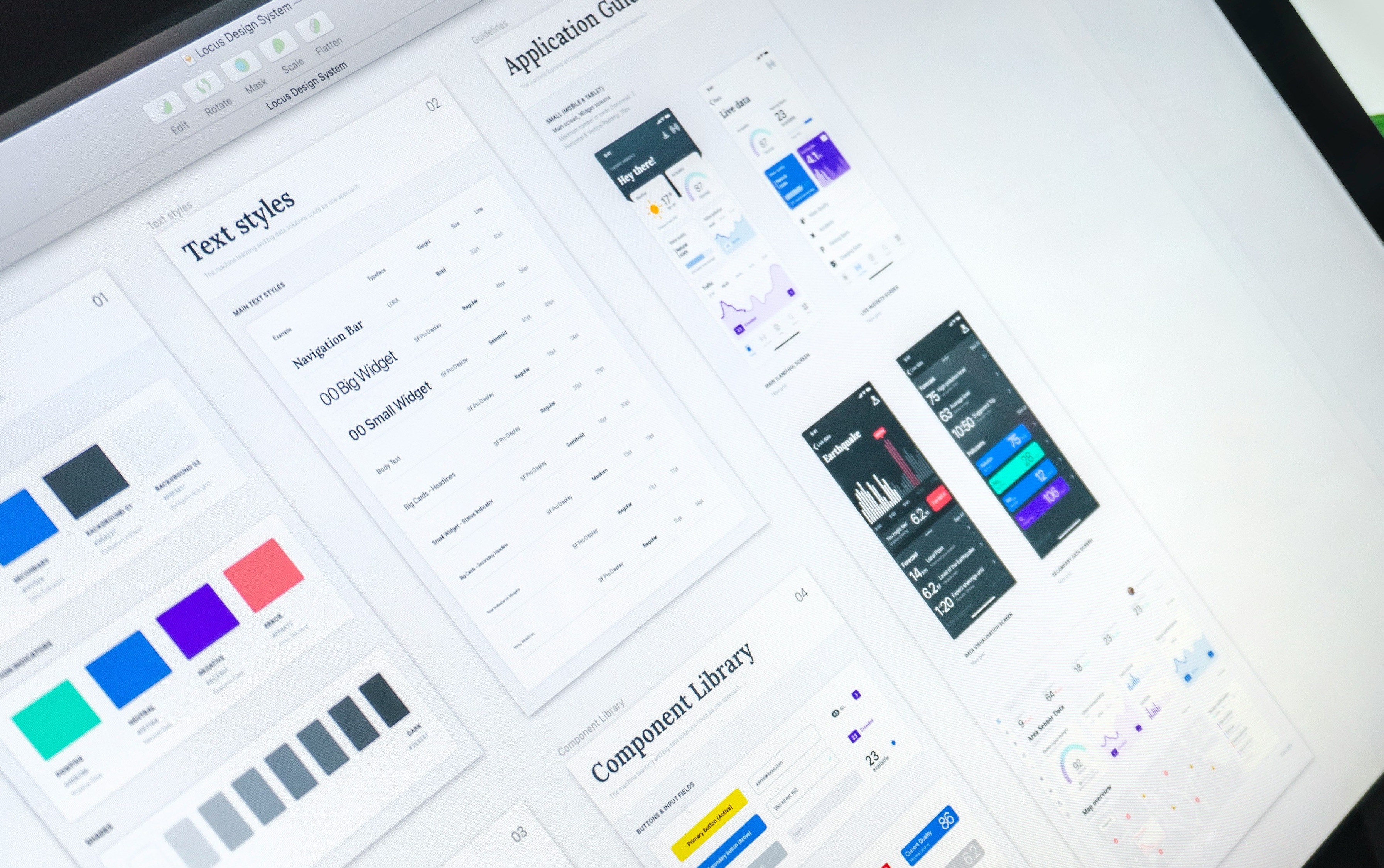
The design system for automotive infotainment aims to create a cohesive user experience across all touchpoints within a vehicle's interface. It encompasses guidelines, components, and standards that helps UI designers and developers across the brands like Skoda, Audi, Seat and more VW brands could build a consistent User Interface.
Client:
Soft Project
My Role:
Design system Expert
Year:
2024
Tools used:
Figma, Frontify, Confulence
Service Provided:
UI Designer

Representative picture
Challenges in Building a Component
Building a component based on guidelines from the SDK team, while ensuring proper Z-ordering and responsiveness, can indeed present several challenges. Here's a detailed overview of these challenges, along with considerations for pushing Figma to its limits during the design process:
Adhering to SDK Guidelines:
Strict Compliance: The SDK team may have specific guidelines for design elements, interactions, and behaviors. Ensuring that every component adheres to these guidelines while still meeting user experience (UX) needs can be challenging.
Limited Flexibility: SDK constraints may limit design flexibility, requiring creative problem-solving to achieve a visually appealing and functional component.
Z-Order Management:
Layering Complexity: Proper Z-ordering is crucial for visibility and interaction. Designing components that overlay correctly without obstructing essential UI elements can be complex, especially in multi-layered interfaces.
Testing for Overlaps: Continuous testing is required to ensure components do not unintentionally overlap with other UI elements, which can lead to usability issues.
Responsiveness:
Adaptive Design: Designing components that maintain their usability and aesthetics across different screen sizes and orientations is a significant challenge. This includes ensuring text remains readable, touch targets are accessible, and visual elements resize appropriately.
Dynamic Layouts: Implementing dynamic layouts that can adapt to varying content sizes while respecting the guidelines set by the SDK team can be complicated, particularly when integrating multiple components.
Performance Considerations:
Load Times: Ensuring that components load quickly and perform smoothly without causing delays or jank during interactions is critical, particularly in automotive environments where users require immediate feedback.
Resource Optimization: Components must be designed efficiently to minimize the use of resources, which can affect overall system performance.

Representative picture
Pushing Figma to Its Limits
Utilizing Constraints and Auto Layout:
Constraints: Apply Figma's constraints effectively to ensure components respond correctly when resized. This is particularly important for maintaining the integrity of the design across various devices.
Auto Layout: Use Figma’s Auto Layout feature to create components that automatically adjust spacing and alignment based on content changes. This can help streamline the design process and maintain responsiveness.
Design System Integration:
Library Management: Organize components within a shared library in Figma to ensure easy access and updates. This allows for seamless collaboration with the SDK team and ensures adherence to design guidelines.
Documentation: Create thorough documentation within Figma, detailing usage guidelines, interaction patterns, and design specifications for each component. This helps maintain consistency and aids in onboarding new team members.
Collaboration and Feedback:
Version Control: Use Figma’s version control features to manage design iterations effectively. This enables tracking changes and easily reverting to previous versions if necessary.
Stakeholder Reviews: Regularly involve stakeholders in the review process to gather feedback and ensure alignment with the SDK team’s guidelines. This can help identify potential issues early in the design phase.
Conclusion
Building components based on SDK guidelines while managing Z-order and responsiveness requires careful planning, creative problem-solving, and effective use of Figma's capabilities. By leveraging advanced features, maintaining clear documentation, and fostering collaboration, you can successfully navigate these challenges and create functional, user-friendly components that enhance the overall automotive infotainment experience.
